Qwen infrastructure
Best GPU Cloud for Qwen: GPU, VRAM and Provider Recommendations
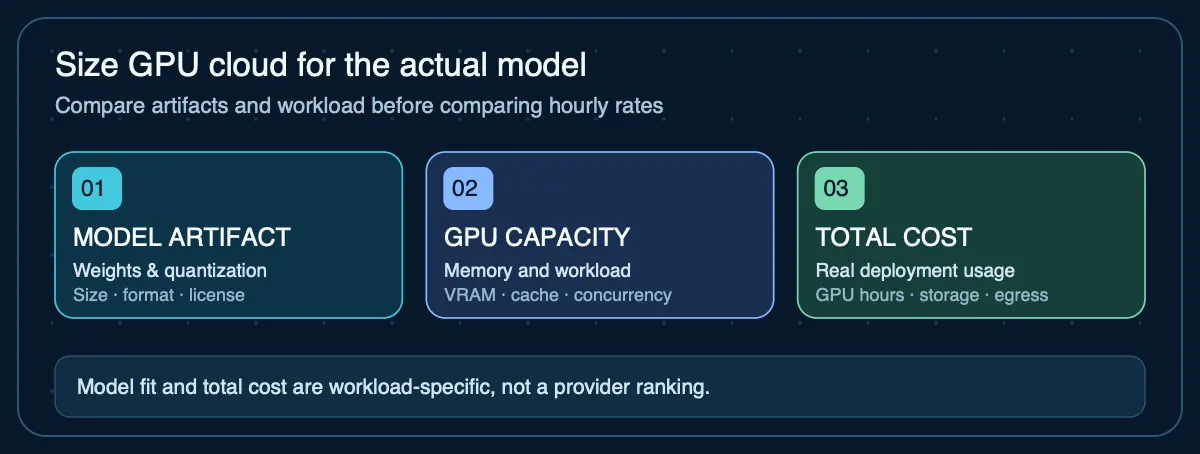
Picking a GPU for Qwen starts with the exact model and precision you plan to run. Parameter count determines the approximate weight footprint, while context length, runtime implementation, caches, multimodal components, and framework overhead determine how much memory is required beyond the model weights.
Current Qwen model families
The Qwen model family has evolved rapidly. As of October 2026, the current generations include Qwen3, Qwen3.5, and Qwen3.8. Each generation may include dense, mixture-of-experts (MoE), and hybrid architectures at various parameter sizes. Before choosing GPU infrastructure, verify which specific model you plan to deploy — the architecture affects memory behavior.
| Model family | Example sizes | Architecture notes | Status |
|---|---|---|---|
| Qwen3 | 0.6B, 1.7B, 4B, 8B, 14B, 32B, 30B-A3B (MoE), 235B-A22B (MoE) | Dense and MoE variants. MoE models activate fewer parameters per token. | Released; widely available in quantized formats |
| Qwen3.5 | 27B dense, hybrid attention | Gated DeltaNet + gated attention (not MoE). 262K native context; extension depends on runtime and memory. | Released; quantized variants available |
| Qwen3.8 | 27B dense, vision-language | Gated DeltaNet + gated attention with a vision encoder; improved coding and agent abilities. | Released August 2026 |
Qwen 27B GPU and VRAM requirements
The Qwen3.5-27B and Qwen3.8-27B models share the same approximate parameter count (~27–28B parameters). The official Qwen3.5-27B Hugging Face repository is roughly 55.6 GB in BF16, which illustrates why precision and runtime format matter before choosing a GPU.
| Weight precision | Parametric weight estimate (27B) | GPU planning implication |
|---|---|---|
| 16-bit (BF16/FP16) | ~54 GB before overhead | About 55.6 GB for Qwen3.5-27B BF16 artifact; 80 GB is a plausible starting GPU tier, subject to context and runtime overhead. |
| 8-bit | ~27 GB before overhead | 32–48 GB GPUs become plausible depending on runtime and context requirements. |
| 4-bit | ~13.5 GB before overhead | 24 GB GPUs may be viable for some runtimes and moderate contexts, but model weights are not the whole memory requirement. |
These are parametric estimates (parameter count × bit width ÷ 8). Actual quantized artifacts include metadata and may differ. Runtime memory (context cache, framework overhead, concurrency) adds to these floors. See Qwen hardware requirements for the full sizing framework.
How Qwen context length changes VRAM requirements
The dense Qwen3.5 and Qwen3.8 27B checkpoints use hybrid attention (Gated DeltaNet plus gated attention), which means a generic "tokens × model dimension" KV-cache formula is not reliable. The official documentation recommends using serving engines like SGLang, vLLM, or TokenSpeed for production deployment, and notes that out-of-memory errors may require reducing the context window.
For GPU planning: start with the weight footprint, add a conservative overhead margin, and then measure actual memory usage with the specific runtime, quantization, and context length you intend to deploy. Do not assume that because the native context supports 262K tokens, you can use the full context on any GPU that fits the weights.
Best GPU cloud VRAM tiers for Qwen
| VRAM tier | Qwen model fit | Key constraint |
|---|---|---|
| 24 GB | Qwen3 ≤8B at most precisions; 14B–27B at aggressive quantization (Q4 and below) | Context length significantly limited for larger quantized models after weights consume most VRAM. |
| 48 GB | 27B at moderate quantization (Q5–Q8); 32B at Q4–Q5; larger context headroom | Full-precision 27B still exceeds 48 GB when context and overhead are included. |
| 80 GB | 27B–32B at higher precision; long context; concurrent inference | MoE variants like Qwen3-235B-A22B still require multi-GPU even with quantization. |
| 96–141 GB+ | Full-precision large models; long-context serving; high-throughput production | Higher cost. Choose capacity based on the actual model, context and observed throughput rather than assuming more VRAM guarantees speed. |
Before renting a GPU for Qwen
- Pin the checkpoint: exact Qwen version, quantization (BF16, FP8 or a particular 4-bit file), and real download size.
- State the workload: context length, concurrent users, serving engine, and whether you need image or video inputs.
- Compare viable GPU tiers: screen using the 24/48/80 GB table above, not the 4-bit weight floor alone.
- Test before committing: observe memory use, CPU offload, latency, successful requests, and total operating cost.
Use the Qwen fit-verification checklist or consult the Qwen2.5-Coder sizing guide. These tiers are planning guidance, not tested compatibility guarantees.
Can Qwen run without a GPU?
Yes. Qwen models can run on CPU-only systems or Apple silicon unified memory when supported by the chosen runtime (Ollama, llama.cpp, MLX). Smaller and quantized models are much more practical for non-GPU use than large full-precision models. Throughput will be lower than GPU inference — how much lower depends on the hardware and model size. See the local AI RAM requirements guide and best Mac for local LLMs for non-GPU planning.
Qwen on Ollama cloud models
Ollama's cloud model preview currently includes qwen3-coder:480b-cloud, a model too large for most local or single-GPU hardware. This runs on Ollama-hosted infrastructure using the standard Ollama API. See Ollama hosting options for the full deployment comparison.
Sources
- Qwen3.5-27B model card— Parameters, hybrid architecture, context length, and deployment recommendations
- Qwen3.8-27B model card— Architecture, vision-language capabilities, and serving engine recommendations
- Qwen3 model collection— Full Qwen3 model family including dense and MoE variants
Agent Infrastructure Recommendation Kit
Planning GPU infrastructure for Qwen?
The Agent Infrastructure Recommendation Kit helps you estimate GPU and memory capacity for Qwen models, compare cloud vs. local deployment options, and produce a documented infrastructure recommendation — before committing to a provider or hardware purchase.
Get the Recommendation Kit — $19