Local LLM runtimes
LM Studio vs Ollama: Which Local LLM Runtime Fits Your Setup?
LM Studio and Ollama can both run models locally and expose them through APIs. The practical difference is workflow: LM Studio gives you a strong desktop interface alongside CLI and API controls, while Ollama is designed around a compact CLI and long-running local service. Choose the runtime that fits how the machine will actually be operated.
LM Studio vs Ollama at a glance
| Area | LM Studio | Ollama |
|---|---|---|
| Primary workflow | Desktop-first local model management plus CLI and server APIs | CLI/service-first model runner with a local HTTP API and optional cloud models |
| Local API | Native REST API plus OpenAI- and Anthropic-compatible endpoints | Native Ollama API plus OpenAI-compatible local endpoints |
| Headless use | Supported through the lms CLI and server mode | Natural fit for service-style and terminal-driven deployments |
| Network serving | Can bind beyond localhost; authentication is recommended when exposed | Binds to localhost by default; OLLAMA_HOST changes the bind address |
| Model control | GUI, CLI and API workflows for downloading, loading and unloading models | CLI and API workflows centered on named models and Modelfiles |
Choose LM Studio when the desktop workflow matters
LM Studio is a strong fit when you want to discover and manage local models from a desktop application, inspect what is loaded, and still expose the machine as an API server. Its current developer stack includes native REST endpoints, TypeScript and Python SDKs, OpenAI-compatible endpoints, Anthropic-compatible endpoints and a CLI that can start the server without relying on the GUI.
Choose Ollama when the service and CLI workflow matters
Ollama is a strong fit when a local model runner needs to behave like a simple system service. Its local API listens on port 11434 by default, and the same ecosystem supports model pulls, runtime configuration and API access from scripts or applications. Ollama also now documents both local and cloud model access, so deployments should be explicit about whether a workload must stay local-only.
Which is better for a local AI server?
For an always-on headless server, start by evaluating Ollama because its service-oriented workflow is straightforward. For a workstation where a person actively downloads, loads and switches models, evaluate LM Studio because its desktop controls can reduce friction. Either can expose an API to other applications, so the runtime choice does not replace hardware, network and security planning. See the local AI server guide.
Which is better for AI agents?
Agent frameworks usually care more about a stable API endpoint, tool-call support, model capability and recovery behavior than which desktop runtime launched the model. If the agent runs continuously, also plan process supervision, authentication, private networking and a fallback path when the model process is unavailable.
Does LM Studio or Ollama use less RAM or VRAM?
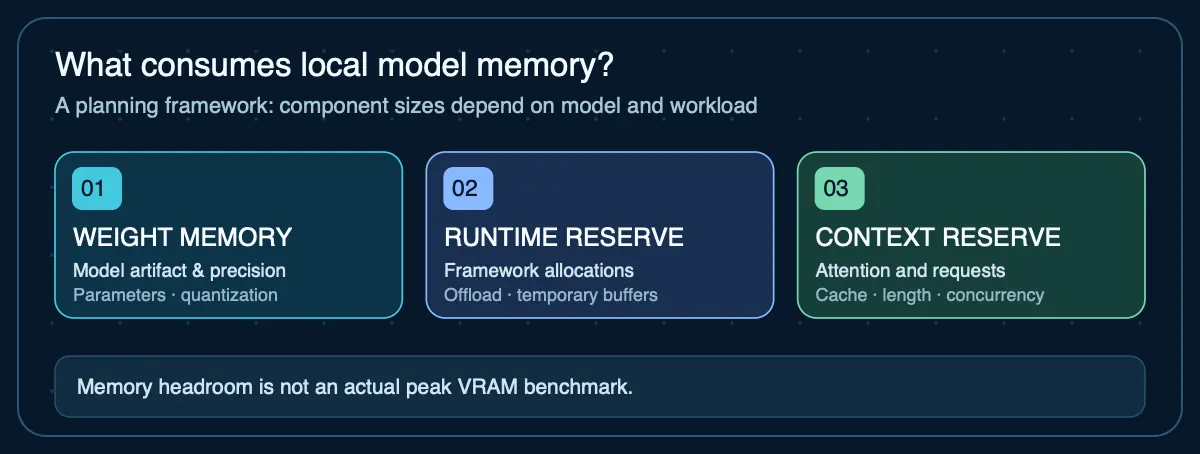
Do not choose from generic memory claims. The dominant variables are the model, quantization, context length, loaded models and hardware backend. Size the model first with the LLM VRAM calculator and verify it on the exact runtime and machine you plan to use.
Network and security differences
Both products are safest when the local API remains on localhost unless another device genuinely needs access. LM Studio warns that binding beyond 127.0.0.1 exposes the server and recommends authentication. Ollama binds to 127.0.0.1 by default and uses OLLAMA_HOST to change that behavior. If you expose either runtime, add authentication where supported and prefer a private network or authenticated proxy over an unrestricted public port.
Sources
- LM Studio — Local LLM API Server— Server modes, API options and local/network serving
- LM Studio — REST API— Current native v1 API, model management and compatibility endpoints
- Ollama — API introduction— Local and cloud API base URLs and compatibility endpoints
- Ollama — FAQ— Context, GPU loading, server configuration, networking and local-only behavior
Agent Infrastructure Recommendation Kit
Choosing a local AI runtime is only one infrastructure decision
The Agent Infrastructure Recommendation Kit helps you document model, memory, deployment, privacy, uptime and cost requirements before committing to a local or cloud architecture.
Get the Recommendation Kit — $19